Planning a slat wall is about more than style and finish. You also need to know how many slats you actually need and how much material to order. That is where a slat wall calculator becomes a useful time-saving tool.
In this guide, we show you how to use the calculator properly so you can avoid bad purchases and unnecessary waste.
What is a slat wall calculator?
A slat wall calculator is a digital planning tool where you enter your wall dimensions and get:
- the number of slats you need
- the total amount of linear footage or linear meters
- a visual sense of spacing and layout
That makes it easier to order the right quantity and plan the installation with more confidence.
How to use the calculator step by step
1. Measure your wall
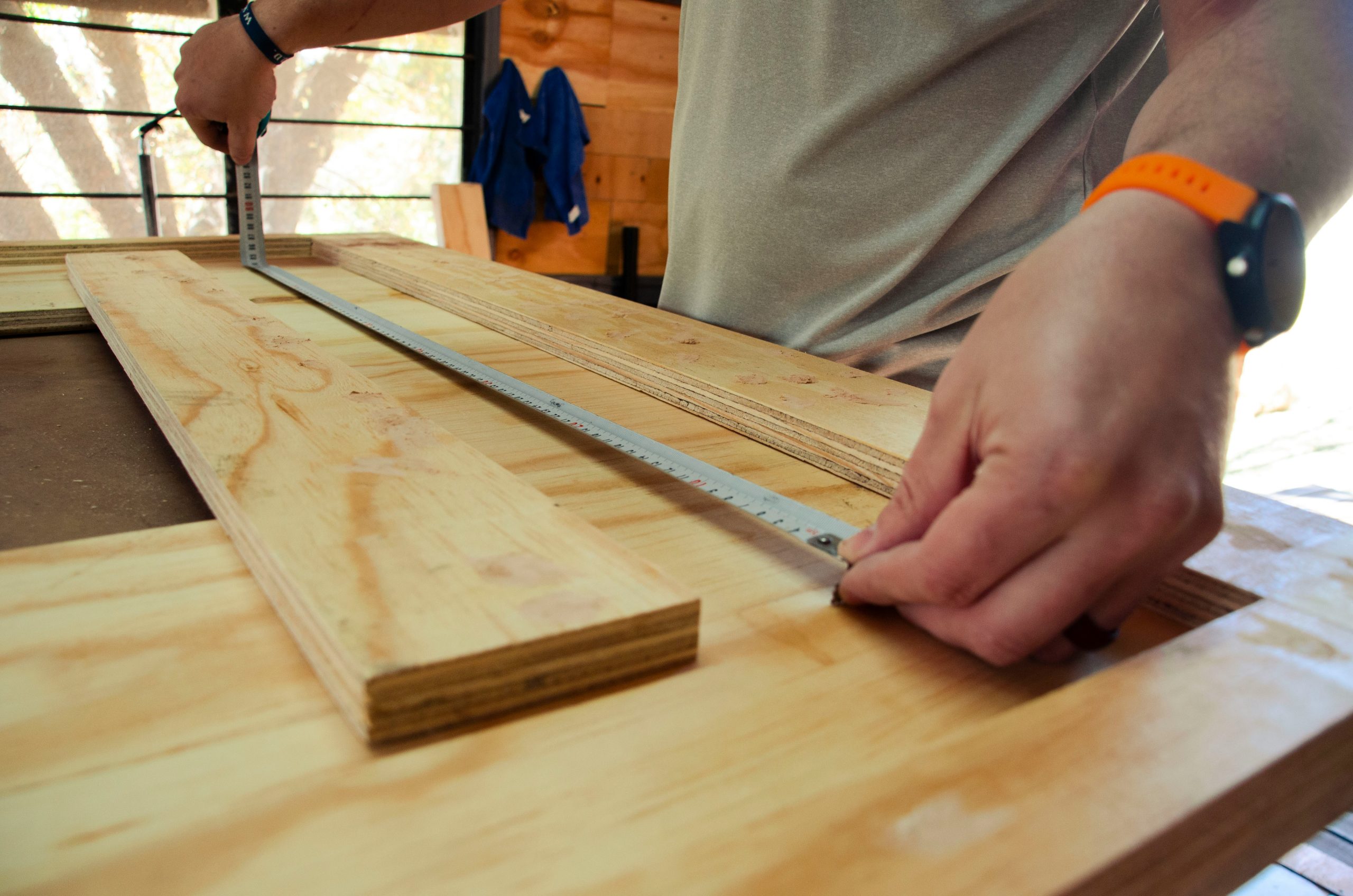
Start by measuring the full width and height of the wall you want to cover. Measure carefully, and use a laser if you want the best precision.
2. Choose your slat width
Most slats fall somewhere between 20 and 40 mm in width. The wider the slats, the fewer you need, but the expression also becomes heavier.
3. Enter the spacing you want between the slats
Typical spacing is 10 to 30 mm. This affects both the openness of the design and how many slats you need.
4. Review the result
The calculator shows you:
- how many slats you need
- how much slat material you need to buy
- a layout you can follow during installation
5. Round up when needed
We always recommend rounding up and buying a few extra slats. That gives you room for mistakes, cuts, and small adjustments.
Why use a calculator?
You save time and money
You avoid over-ordering or under-ordering
You get better control over the look and proportions
You make the job easier for yourself or for the installer
Ready to try it?
Use our slat wall calculator to get started. It only takes a few seconds, and it gives you a much clearer view of what you need before you place an order.