A slat wall calculator does the work in seconds: you enter wall width, height, slat width, and spacing, and it returns the slat count and linear metres. For a wall of 240 x 240 cm with 48 mm slats and an 18 mm gap, it gives 37 slats and around 97.7 linear metres (with a 10% allowance for cutting). Try the calculator here.
Planning a slat wall is about more than style and finish. You also need to know how many slats you actually need and how much material to order. That is where a slat wall calculator becomes a useful time-saving tool.
In this guide, we show you how to use the calculator properly so you can avoid bad purchases and unnecessary waste.
What is a slat wall calculator?
A slat wall calculator is a digital planning tool where you enter your wall dimensions and get:
- the number of slats you need
- the total amount of linear footage or linear meters
- a visual sense of spacing and layout
That makes it easier to order the right quantity and plan the installation with more confidence.
How to use the calculator step by step
1. Measure your wall
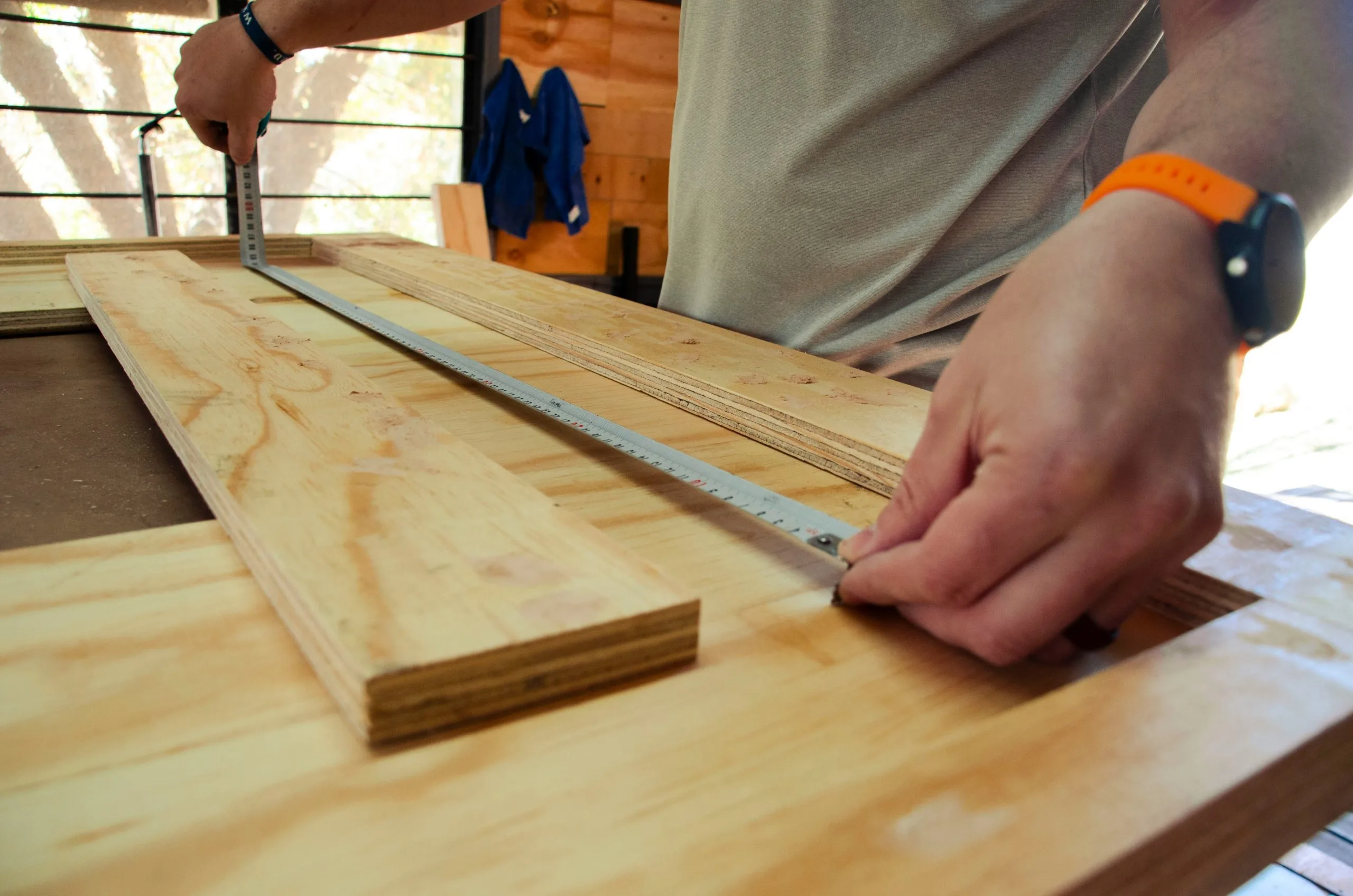
Start by measuring the full width and height of the wall you want to cover. Measure carefully, and use a laser if you want the best precision.
2. Choose your slat width
Most slats fall somewhere between 20 and 50 mm in width, and 48 mm is a common choice. The wider the slats, the fewer you need, but the expression also becomes heavier.
3. Enter the spacing you want between the slats
Typical spacing is 10 to 30 mm, often around 18 mm. This affects both the openness of the design and how many slats you need. Read more about typical spacing between slats.
4. Review the result
The calculator shows you:
- how many slats you need
- how much slat material you need to buy
- a layout you can follow during installation
5. Round up when needed
We always recommend rounding up and buying a few extra slats. An allowance of 10% gives you room for mistakes, cuts, and small adjustments. If you want to calculate by hand, you will find the full formula for how many slats you need here.
A worked example for a reference wall
Here is how the calculator works for a wall of 240 x 240 cm with 48 mm slats and an 18 mm gap:
| What you enter | Value |
|---|---|
| Wall width x height | 240 x 240 cm |
| Slat width | 48 mm |
| Spacing | 18 mm |
| Allowance | 10% |
| Number of slats | 37 (2400 / 66 ≈ 36.4) |
| Linear metres | about 97.7 lm (37 x 2.4 x 1.10) |
Why use a calculator?
You save time and money
You avoid over-ordering or under-ordering
You get better control over the look and proportions
You make the job easier for yourself or for the installer
Ready to try it?
Use our slat wall calculator to get started. It only takes a few seconds, and it gives you a much clearer view of what you need before you place an order.
Frequently asked questions
What do I need to use a slat wall calculator?
You need four measurements: wall width and height in centimetres, plus slat width and the spacing you want in millimetres. The calculator then works out the slat count and linear metres.
How many slats do I get for a 240 cm wall?
With 48 mm slats and an 18 mm gap, 2400 / 66 ≈ 36.4, which rounds up to 37 slats. That corresponds to around 15 slats per metre.
Does the calculator include a waste allowance?
Yes, a 10% allowance is added for cutting and waste. For the reference wall that comes to 37 x 2.4 m x 1.10 ≈ 97.7 linear metres you should buy.